This will probably be a shorter post than usual, but since the original purpose of building this site was to experiment and play around with Grav, I thought it was worth a quick post to cover what I think of it now that I've been using it for awhile. And I do mean quick - this hasn't undergone the usual editing/revision process because I'm basically just brain dumping info. But here we go!
As with most things, it's difficult to reduce this to a simple "is it good or bad?" question. If I had to throw a dart somewhere on the spectrum of good to bad, it would definitely be more on the good side, but Grav is not without it's (fairly minor) complications.
The Good
Grav is easy to install, simple to use, easy to manage, and lightning-quick.
Setup is extremely straightforward. After downloading Grav, you extract it to your web server's html directory. No further configuration is required; this does assume that you have a functioning web server already, but that's not really a grav setup thing so much as a literally every website needs one thing. Furthermore, if you're using a hosting provider rather than running your own infrastructure, you've almost certainly got that part handled. To even further simplify this, some hosting providers provide a scripted installer. You hit a button and in a minute or so, you get a Grav installation that you can start using. That's about as simple as it can get.
Using Grav once it's set up is very straightforward. You have a list of pages; if you want to display something on it, you edit the page. If you want the page to show up in the menu of the site, you check a box. If you want the page to have child pages, you create new pages under the parent in the page tree. Page content is written in Markdown (though I think you can use HTML or raw text as well, if you'd like). This all probably sounds really basic and simple, which is exactly the point - it is. Again, there's really not a lot of ways to make this simpler.
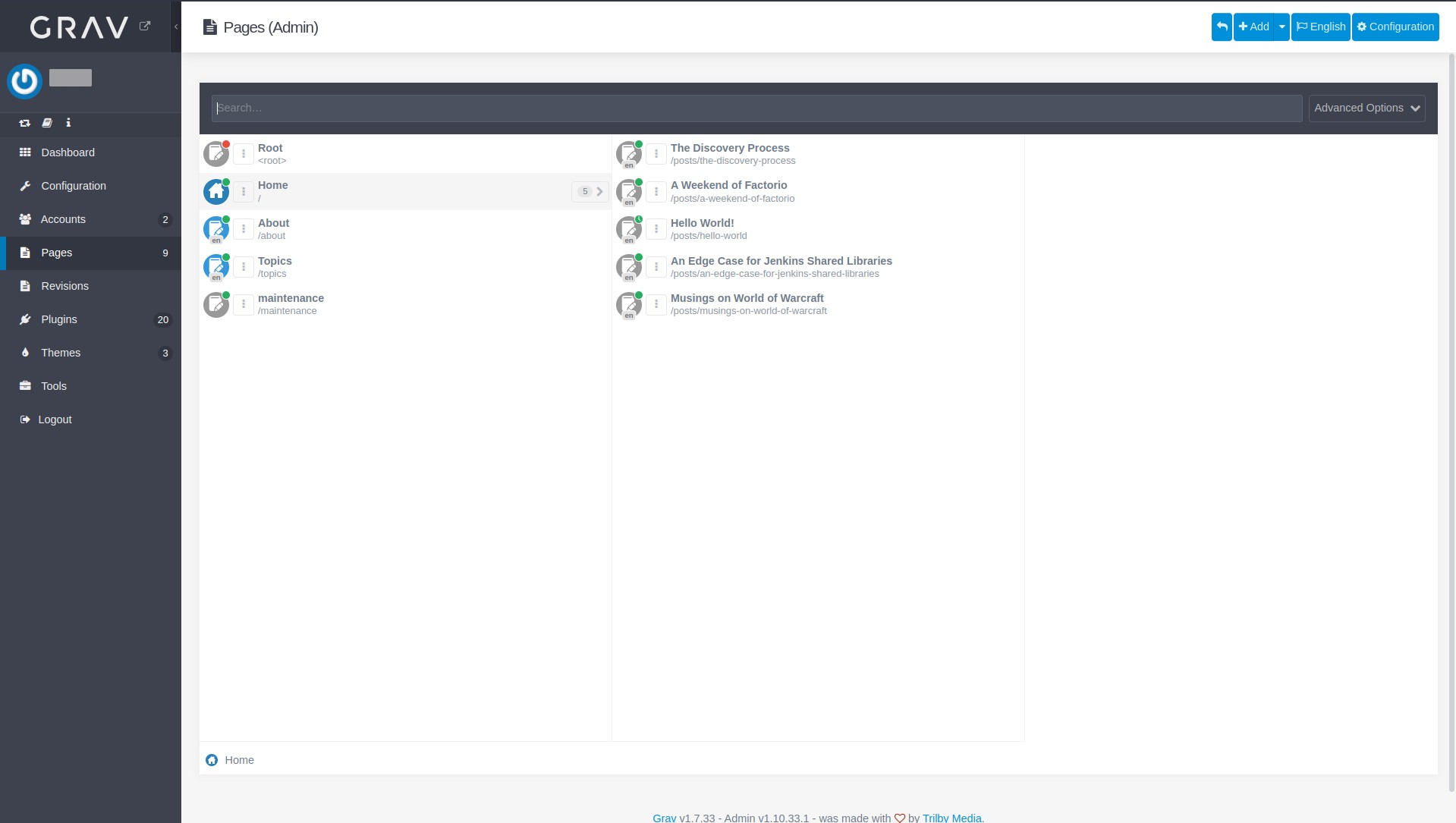
Managing Grav is - again - super simple. With most CMS tools, getting to normal usage is a three-step process: install, configure, and post. Occasionally there's a fourth step, which is that you hit the update button when a new version of the CMS is released. The same holds true for Grav as well.
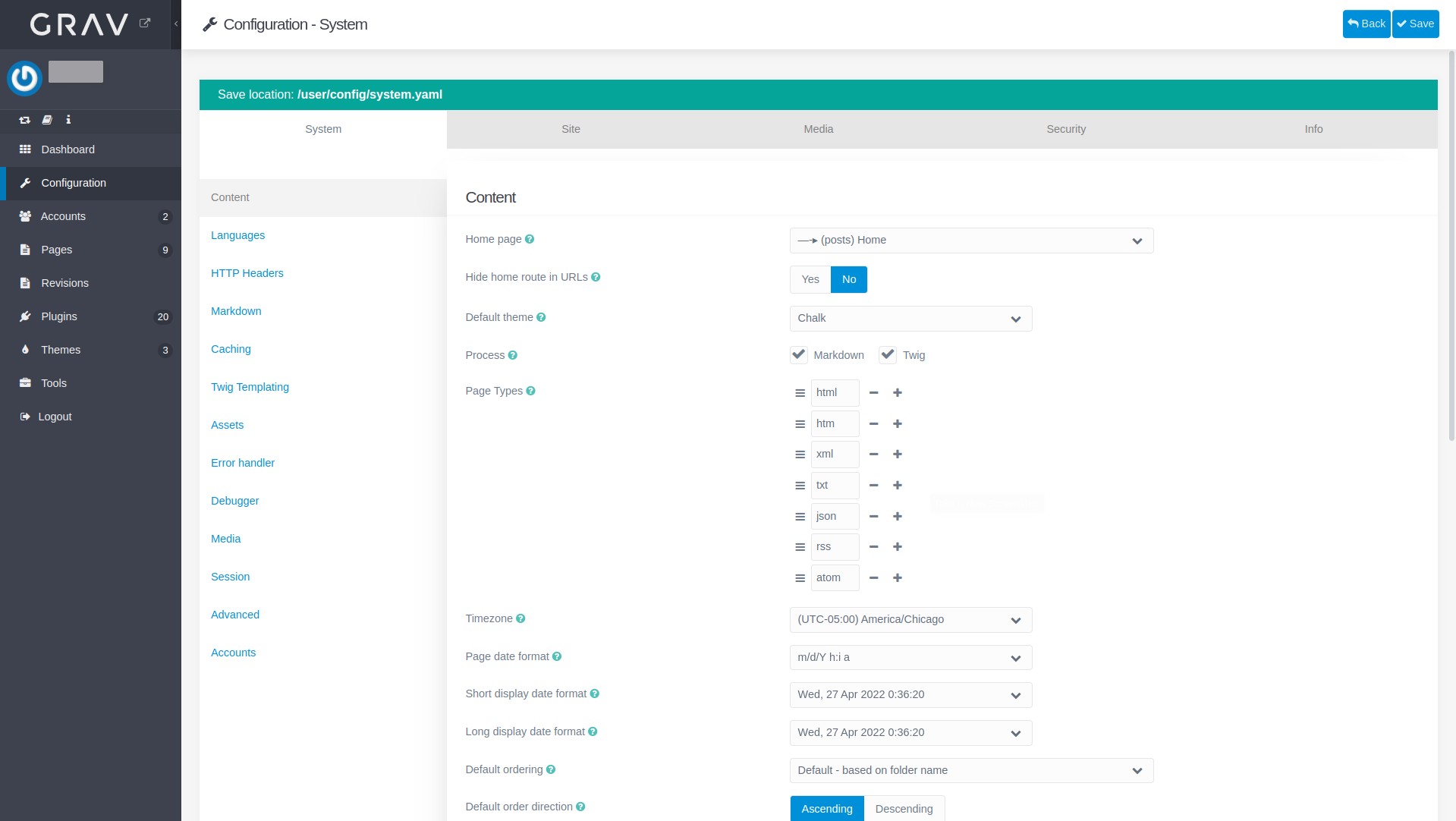
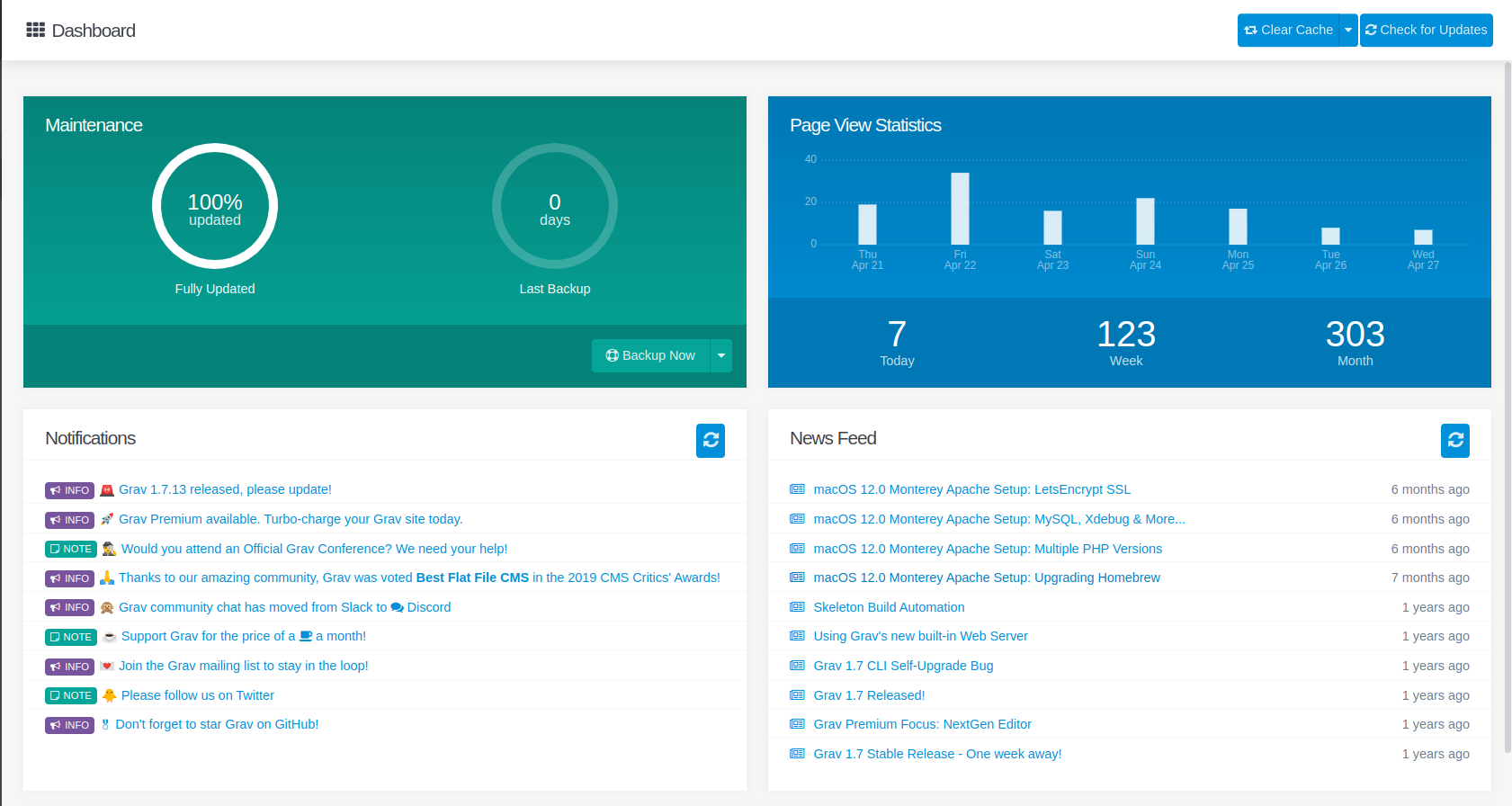
Like Wordpress, a theme and plugin browser is built in, though you an upload archives with these instead if you'd prefer. Site configuration is done through a menu that's pretty well organized and easy to sort through.

Page speed always depends on a number of factors. Some of those are outside the control of the site - for example, if you're accessing a site hosted in the US from somewhere overseas, it's going to load (relatively) slow. There are ways you can mitigate that with a CDN and geo-routing of requests, but that stuff really doesn't make a lot of sense for a small blog, so it's not really reasonable to factor that in for something like this site. All that aside, what is reasonable is that you can (and should!) expect the software you choose for your CMS to be respectably fast at serving up it's end of the deal, which is responding to HTTP requests with site data. Grav does that out of the box about as well as you could ask.
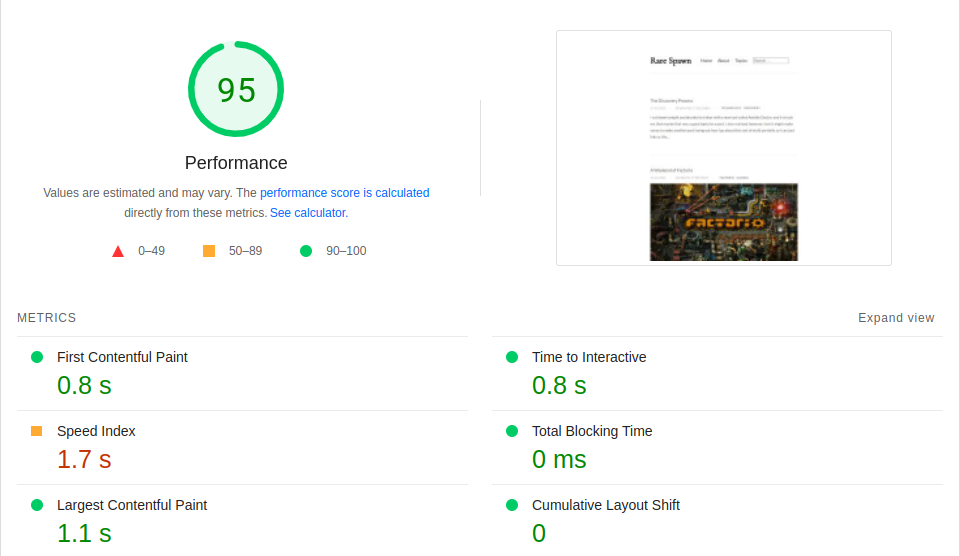
There are lots of little tweaks and optimizations you could make, but I want to stress that this is Grav's performance with none of that tuning having been done. This is a solid fresh-out-of-the-box 95.
The Bad(ish)
The "bad" parts of Grav aren't really that bad. If you want to do something that isn't "post using a premade template", you have to do a little work customizing things. Which makes sense; it almost feels silly to hold that against Grav, and I don't. Customization is done by injecting Twig templates into the site's pages. And (surprise!) this is also very easy to do, after you make it through the initial 15-20 minute learning curve.
I maybe take a few points off for the initial setup being a tiny bit disorienting; again, this is probably less to do with Grav than with the natural confusion that comes with someone learning a new tool. But okay, maybe there's a case that the documentation could be better in this area. I really really want to stress that this is kind of just a "grabbing at things that could maybe be improved .001%", not a "Grav's documentation sucks" sort of thing.
Finally on the list of "maybe it could be better" things, grav doesn't (as far as I've found) include any sort of preview feature out of the box. A pretty common use case here is that I want to write a post, preview it and make sure it displays correctly, it's properly tagged/categorized, etc, and then publish it for all to see. While you can write posts as drafts that aren't immediately published, I haven't found a preview feature yet, which means either there isn't one or it isn't super obvious how to use it; I'm leaning towards there not being one. This seems pretty important; I can build this out with a development site, and a post deployment process that involves copying the content between the two sites, but that's a lot of work to recreate something that is pretty important to have out of the box. This may be the only place that I really mark down something Grav is actually missing.
Grav vs Wordpress
Grav and Wordpress are both Content Management Systems (CMS). They serve similar needs; I'm using Grav as a blog, but lots of sites use it in other ways. Both have a healthy plugin and theme ecosystem, both regularly receive updates, and both are used pretty widely (though Wordpress is in a league of it's own in terms of user base).
Having used both, I very strongly prefer Grav for the simple reason that it is significantly easier to get a functional, performant site up and running. Wordpress has a much more involved deployment process; in fact, it requires an entire database just to get going. Grav is a flat-file CMS: install it, add your configuration and posts as files, and go.
In my experience, Wordpress is also generally much slower. Obviously, some of this isn't on the CMS itself; much of a Wordpress site's performance issues can be traced back to third-party plugins or poorly written and optimized JavaScript or CSS by the end-user. But even accounting for that, I suspect if you were to test a fresh install of each, Grav would come out ahead (maybe this is a good experiment for another post?).
There's probably cases for each. Grav works for me because I'm a single user who just wants an easy-to-use site to make some weirdly-structured posts every now and then. But if I were managing the site for a larger company, there's a lot to be said for the complexity of Wordpress. You can do almost anything in either tool, but there are certainly things that each one will be better at.
For now, and probably for any future sites I end up building that require a CMS, I'll stick with Grav.
It works, it's easy, and it does what I need.